

Short Description
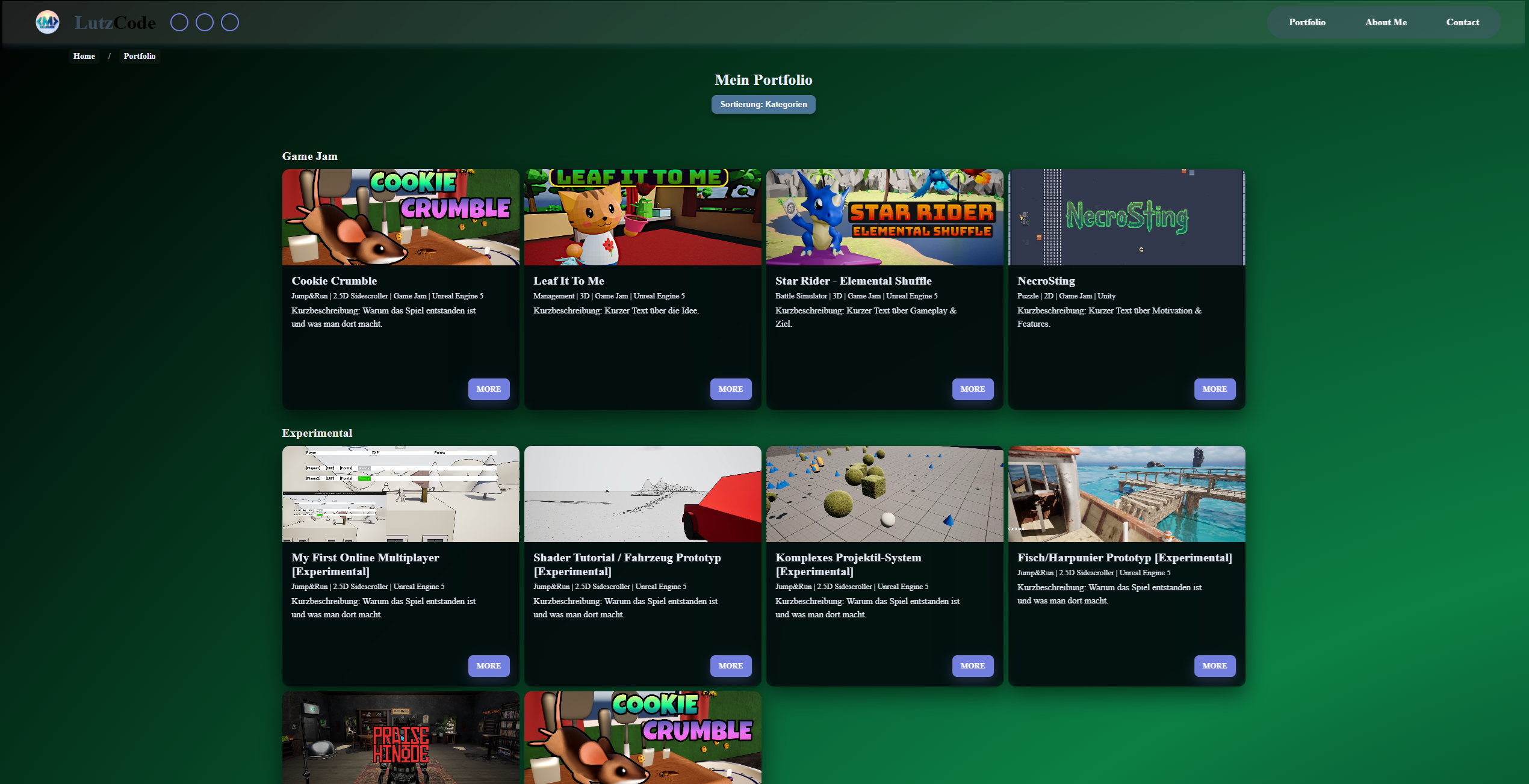
My own website. The main goal was to expand my web development skills and publish my portfolio. It is an ongoing project and will continue to be expanded. I also created this website’s Figma prototype. Some things changed in the current website version compared to the Figma prototype (for example, the portfolio is now chronological and sortable by category).
Current Status: December 2025
- All important pages (home page, portfolio, projects, About Me, contact) have been created and work as intended.
- The design should be revised next.
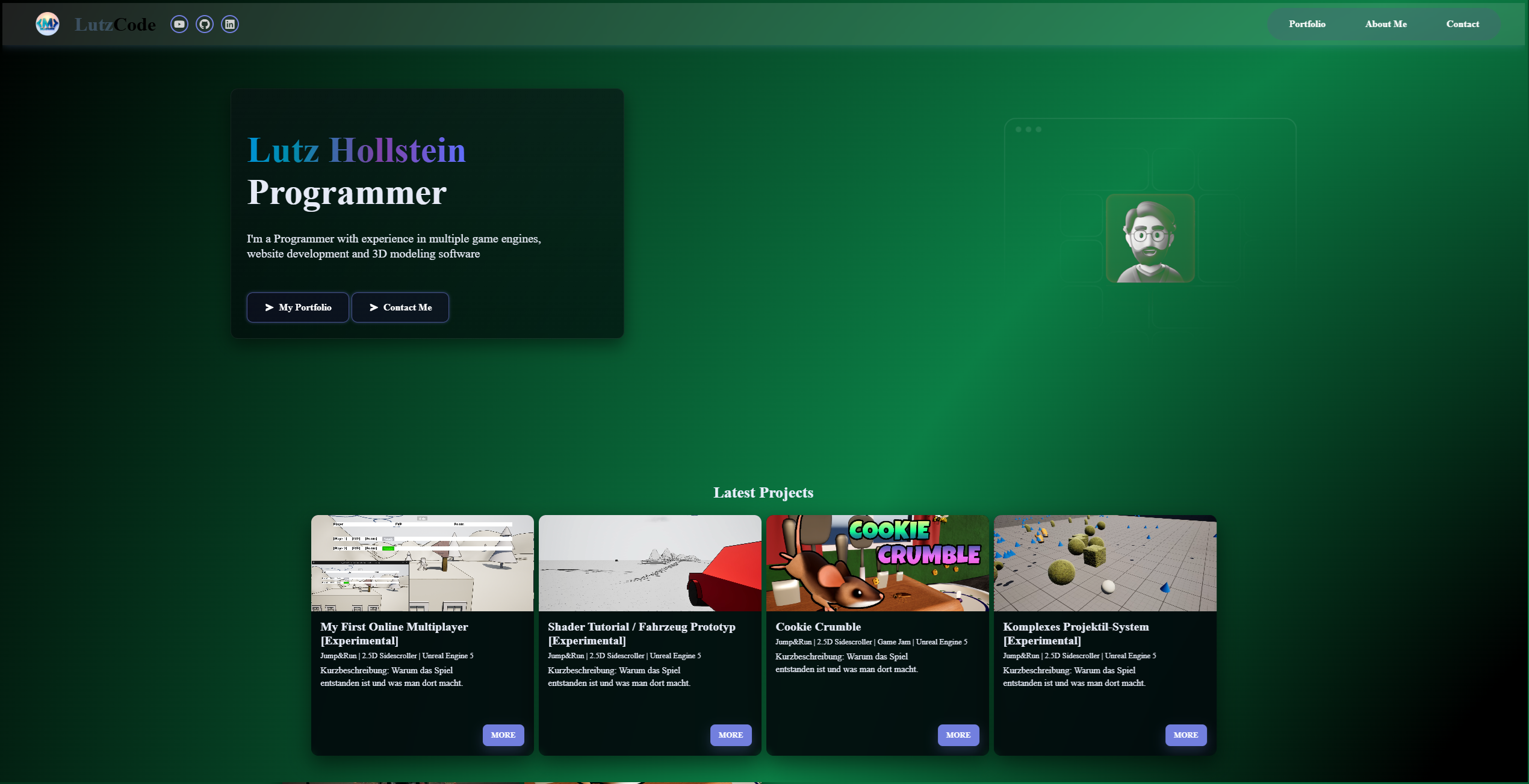
Home page
Portfolio page
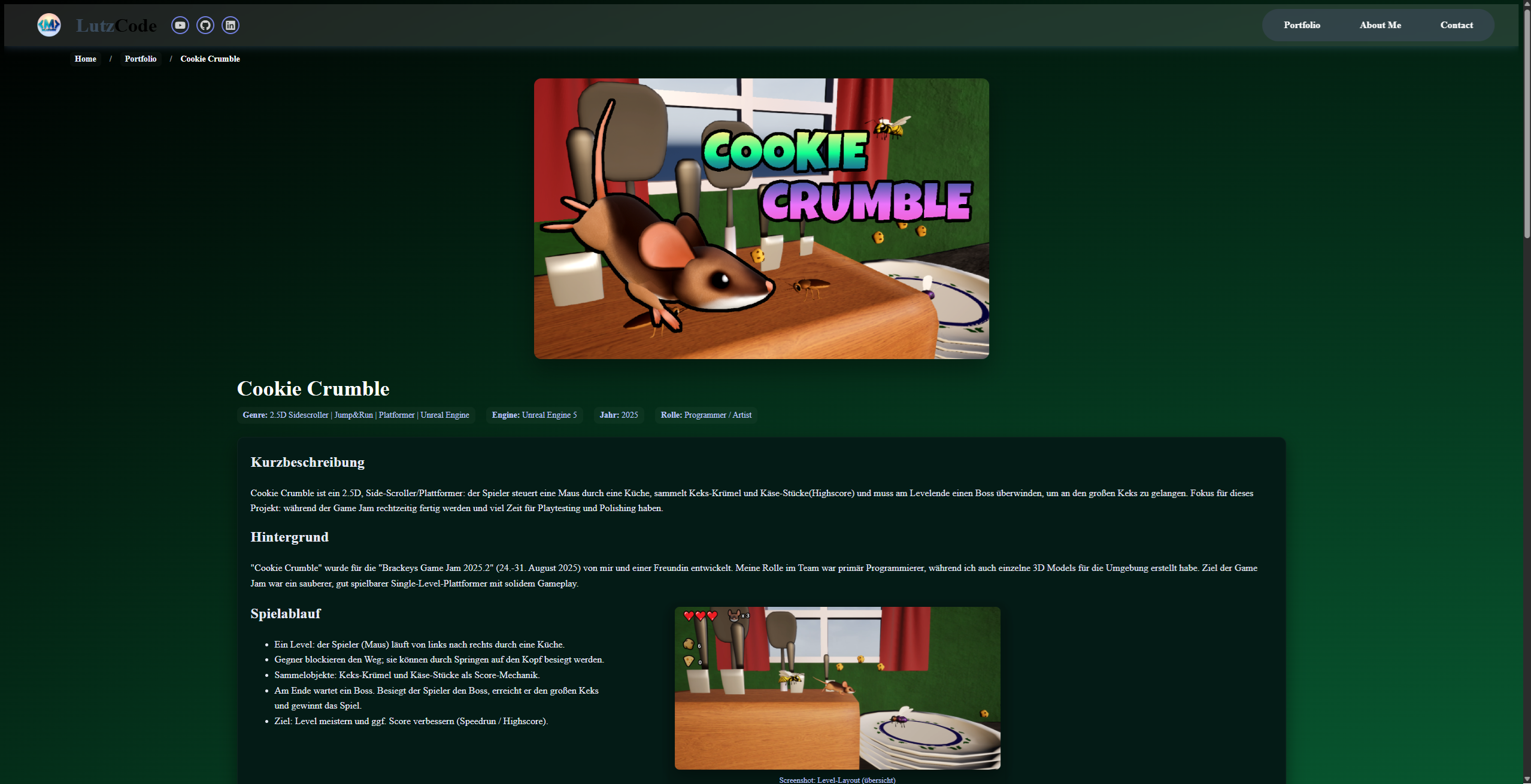
Project page
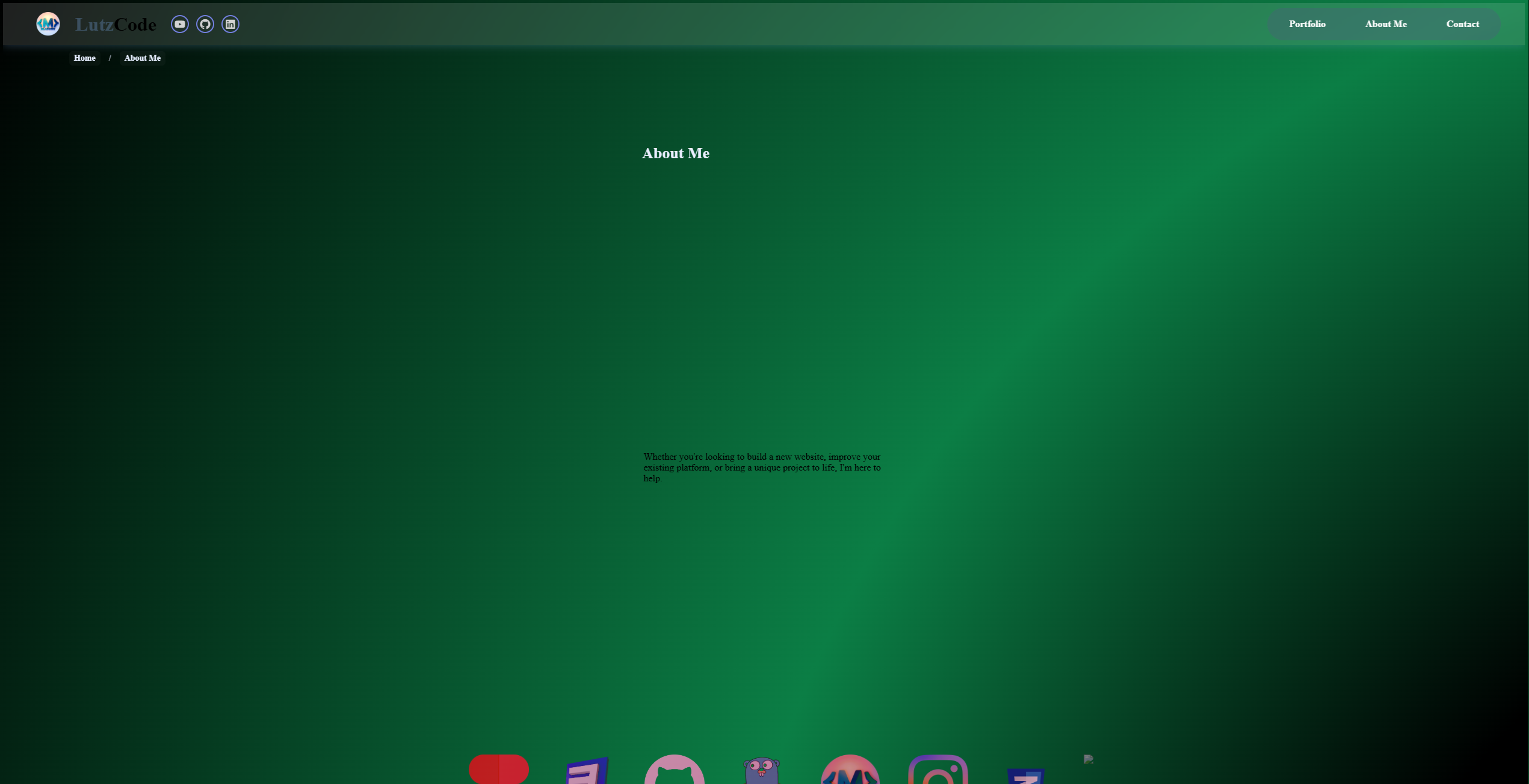
About Me page
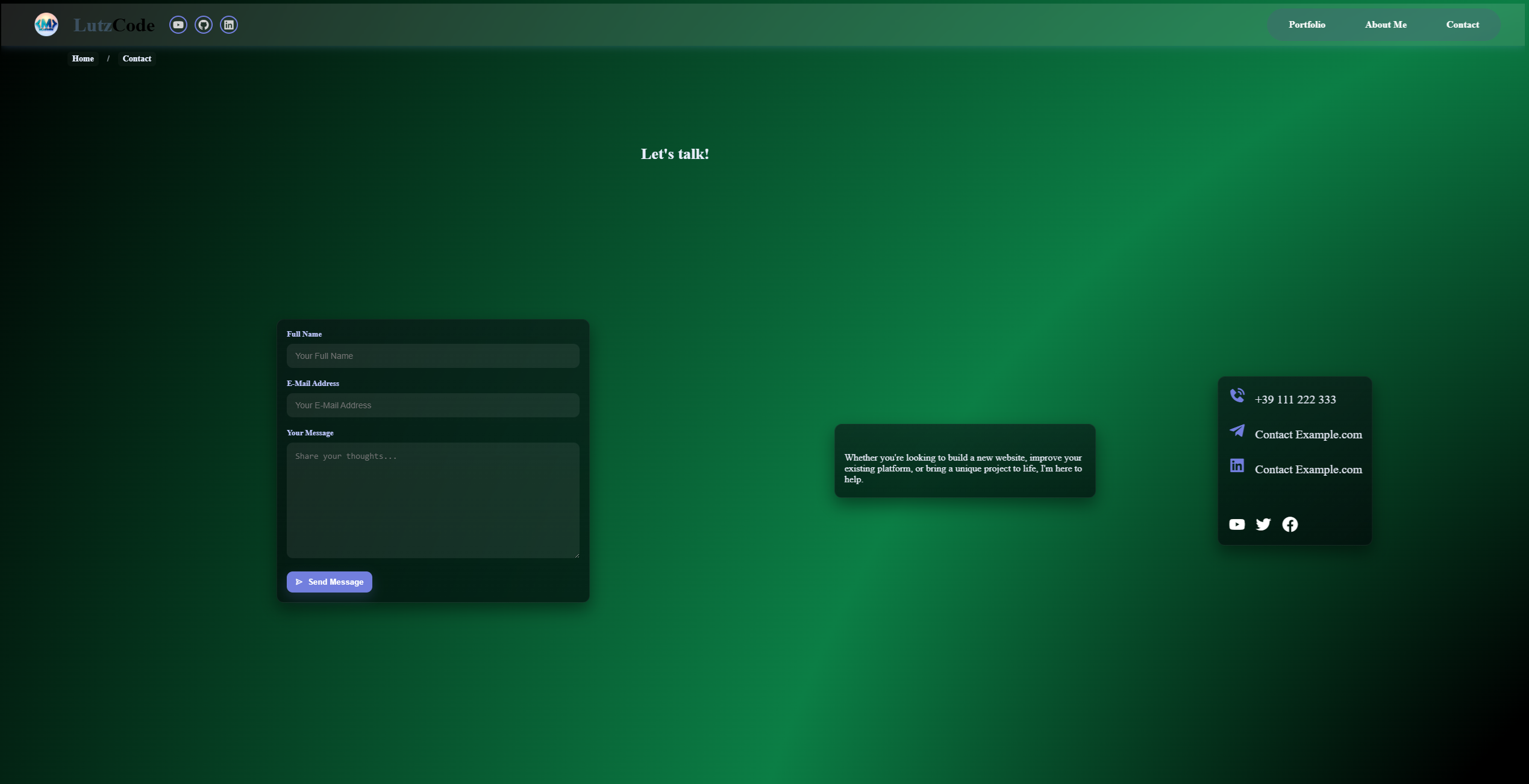
Contact page
Technical Details
- IDE: Visual Studio
- Used programming languages: HTML, CSS, JavaScript
- Design planned in Figma
Learnings
- Deepened my web development knowledge.
Figma Prototype
Short Description
A small prototype created in Figma as a reference for my portfolio website.
Background
I needed a rough plan for how I wanted to design my portfolio website. A friend recommended Figma, and that is how this prototype came about. Once I realized that I could not simply convert/export the Figma project into an .html project, I began developing the actual website.
Structure
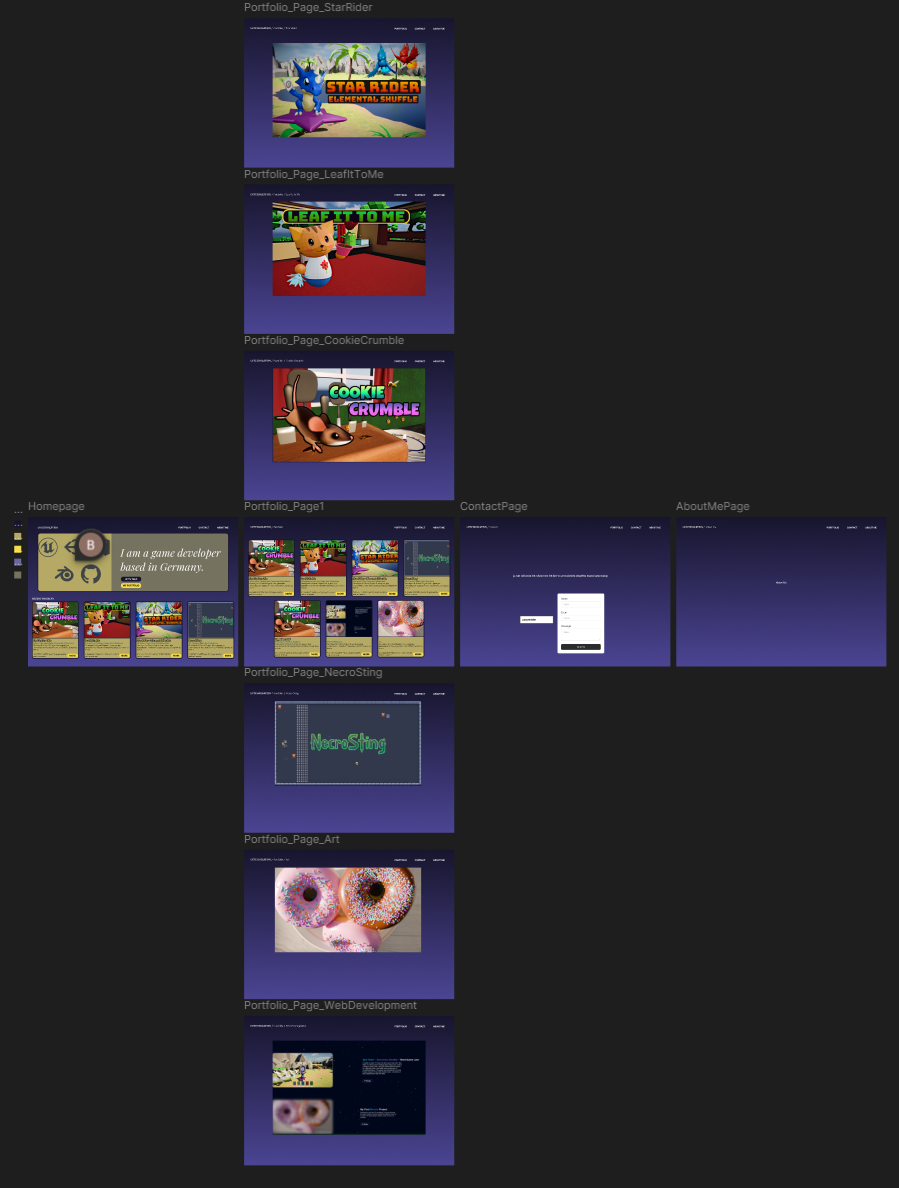
- Home page: A large card with a short introduction about me. In addition, two large visible buttons in the card: "My Portfolio" and "Contact Me". Below the large card are four more cards showing the latest/newest projects.
- Portfolio overview: All game jams are directly visible as individual cards. "Art", "Web Development", and "Experimental" (prototypes) each have their own page with multiple projects. Project cards are clickable and lead to the corresponding project page.
- Project page: A simple project-specific image. I have not yet planned the text and further layout in Figma.
- Contact page: A short text and a contact form. This made it clear to me that Figma alone is not enough to create a website; it is only intended for designing the website.
- About Me page: A small text placeholder.
- From every page, the right side of the header can be used to access the respective pages: "My Portfolio", "About Me", and "Contact".
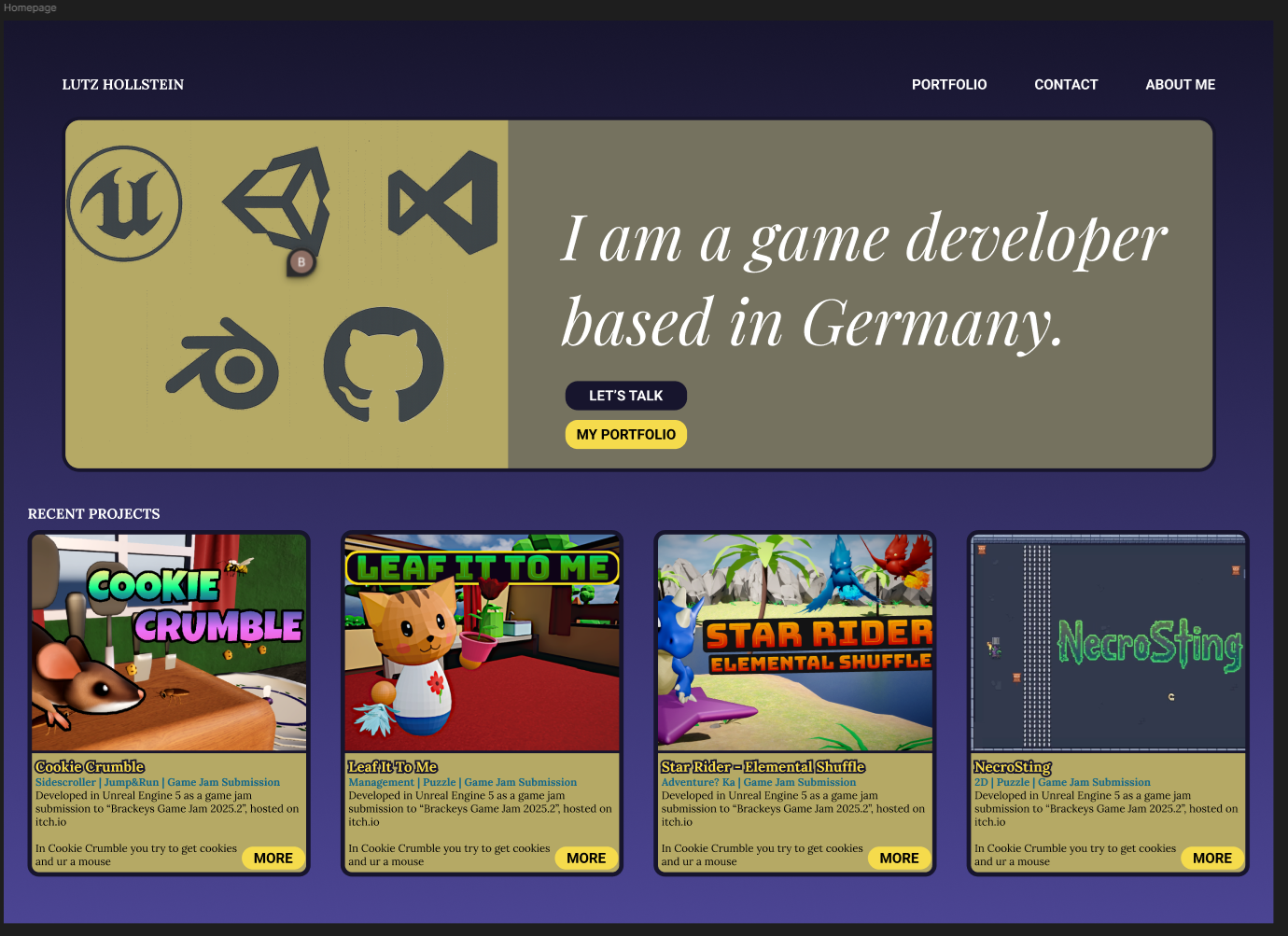
Home page
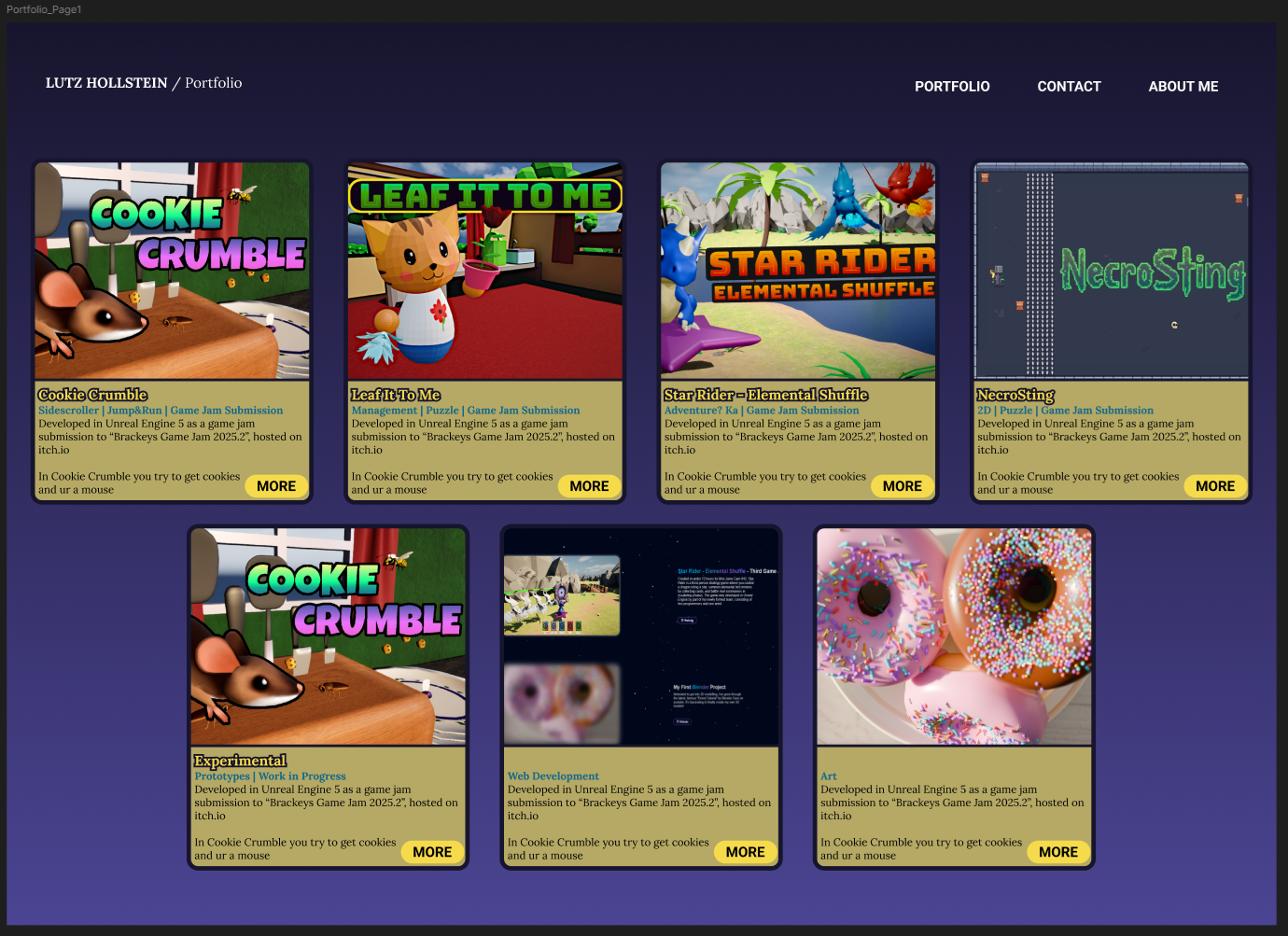
Portfolio page
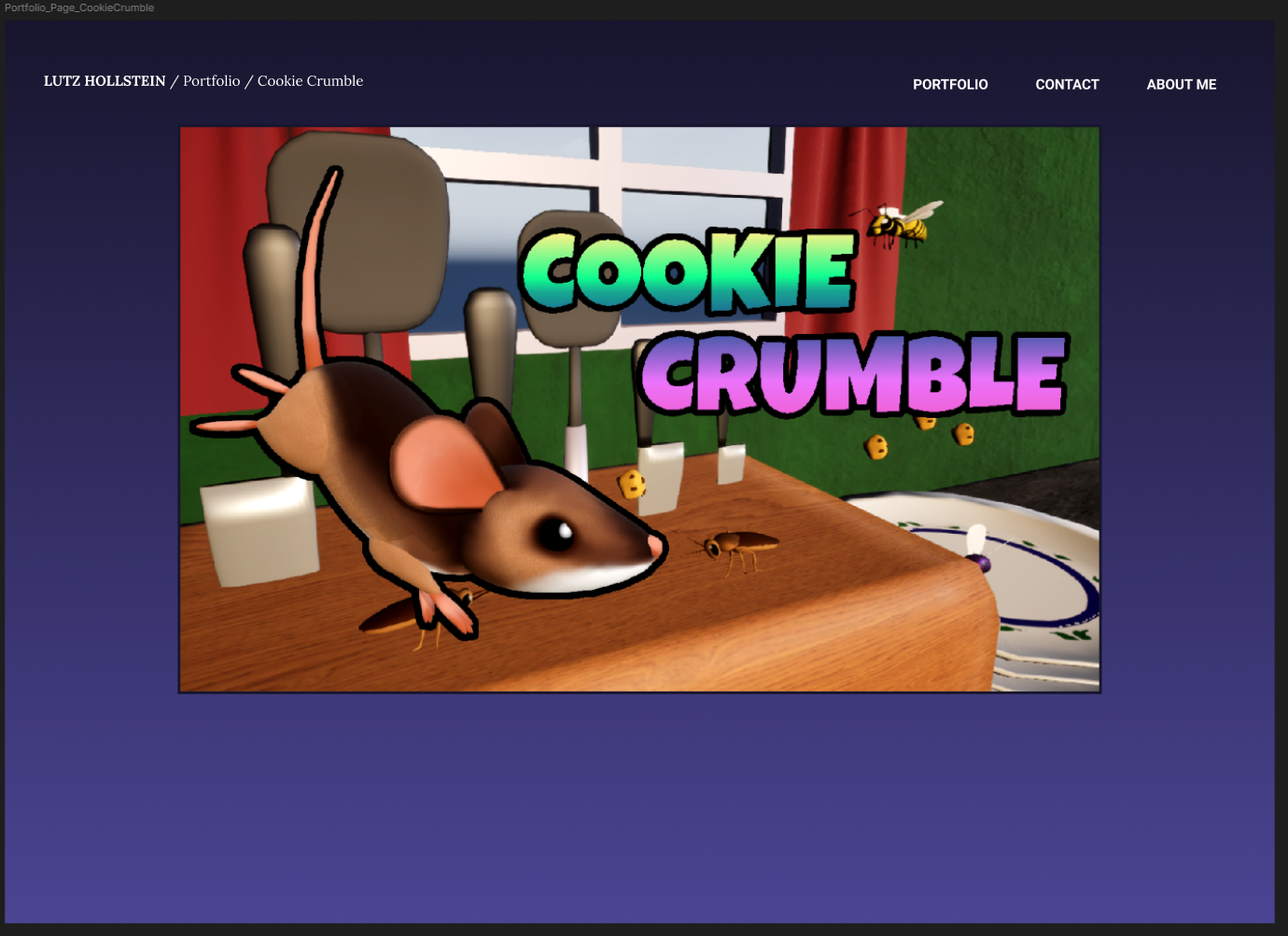
Project page
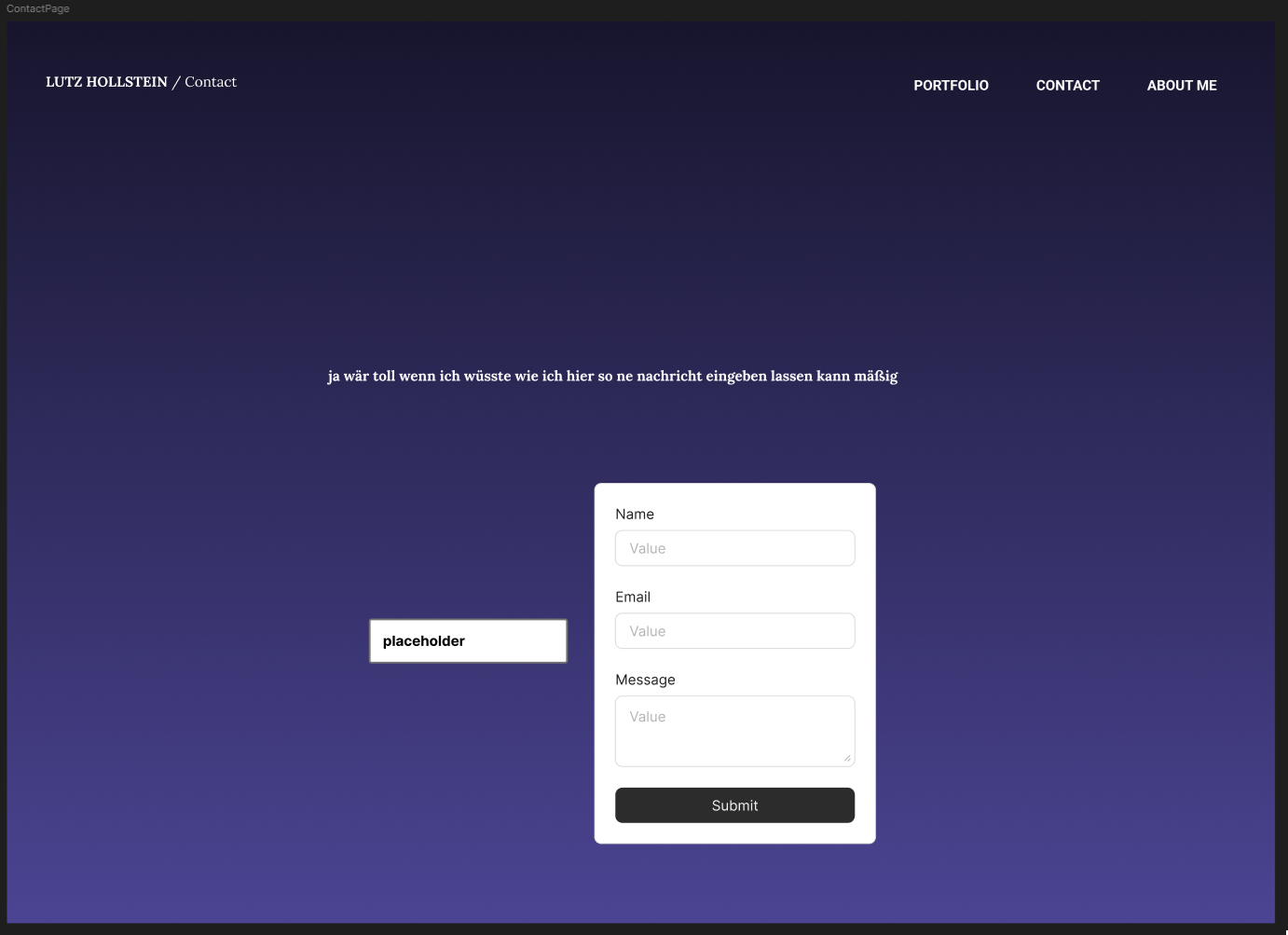
Contact page
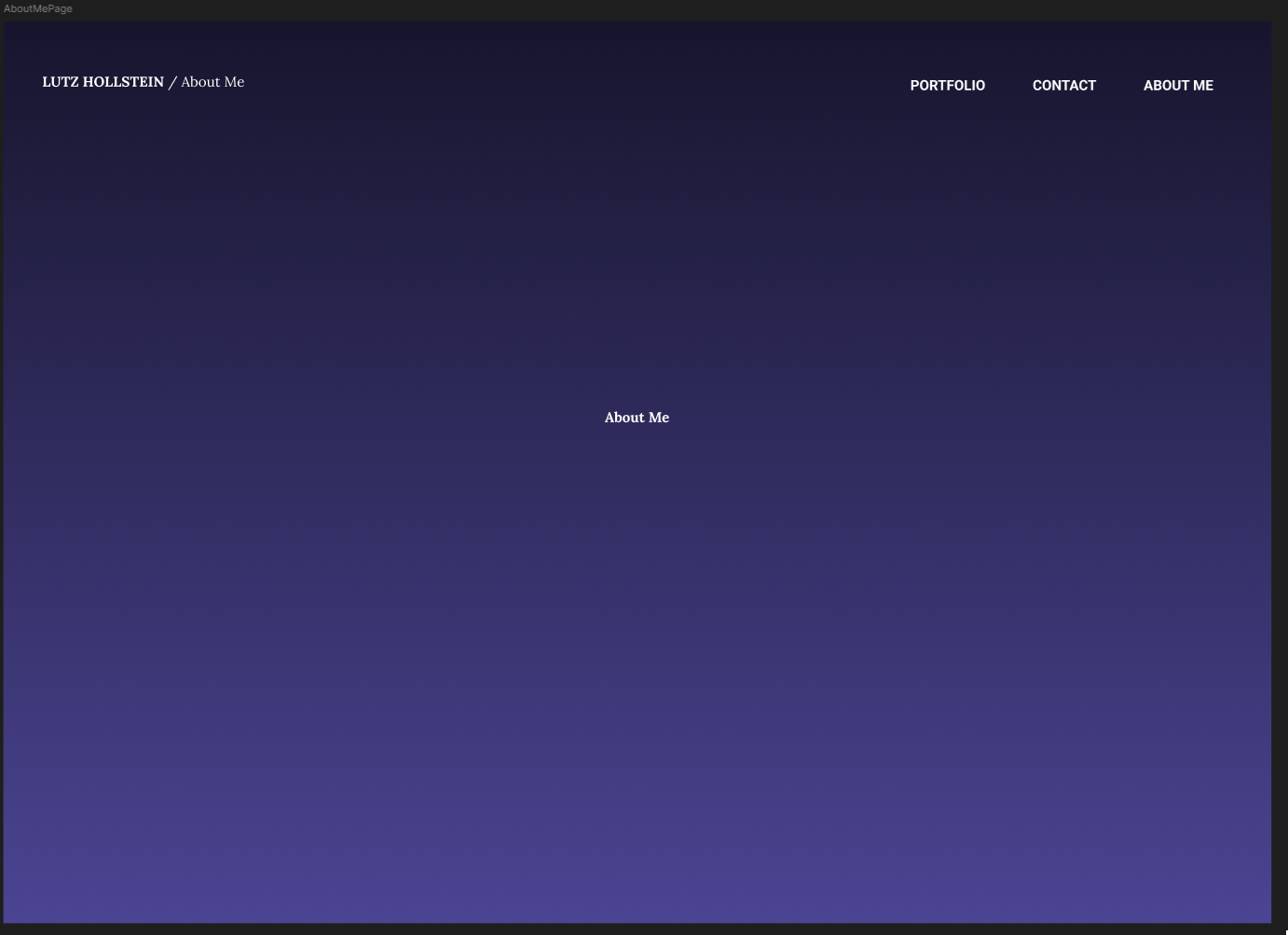
About Me
Learnings
- Figma is very well suited for designing a website.
- Figma does not offer its own way to convert/export the website design into an .html project.