

Short Description
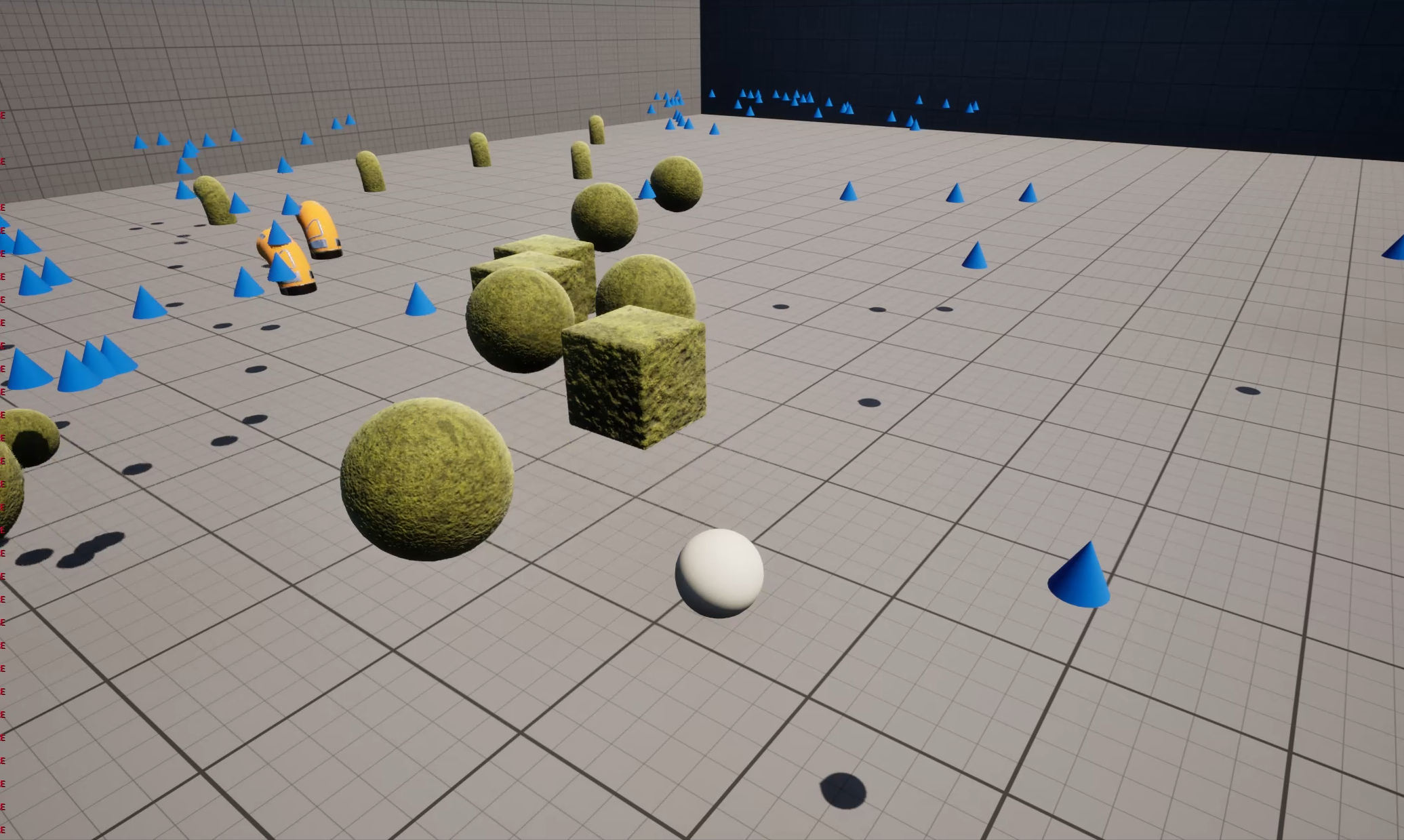
This projectile system is heavily inspired by the game "Noita." Primarily, implementing this system was a challenge for me personally, to see whether I was capable of programming something this complex in a clean and proper way. In addition, my goal was for the system to be highly modular and as easy as possible to integrate into new projects, for example future game jams. I successfully achieved that goal.
Background
By that point, I had already gained a lot of experience in Unreal Engine and wanted to put my skills to the test. I am also a big fan of "Noita", and I had wanted to recreate such a projectile system for a long time. Around the time I created this system/project, "Megabonk" was also a global hit, so after implementing the projectile system I started adding "Vampire Survivors"-style elements (enemy waves, EXP -> level up -> projectile upgrades, etc.). Shortly after that, however, I became interested in learning how multiplayer works in Unreal Engine 5. That is when I started the multiplayer project.
System Flow
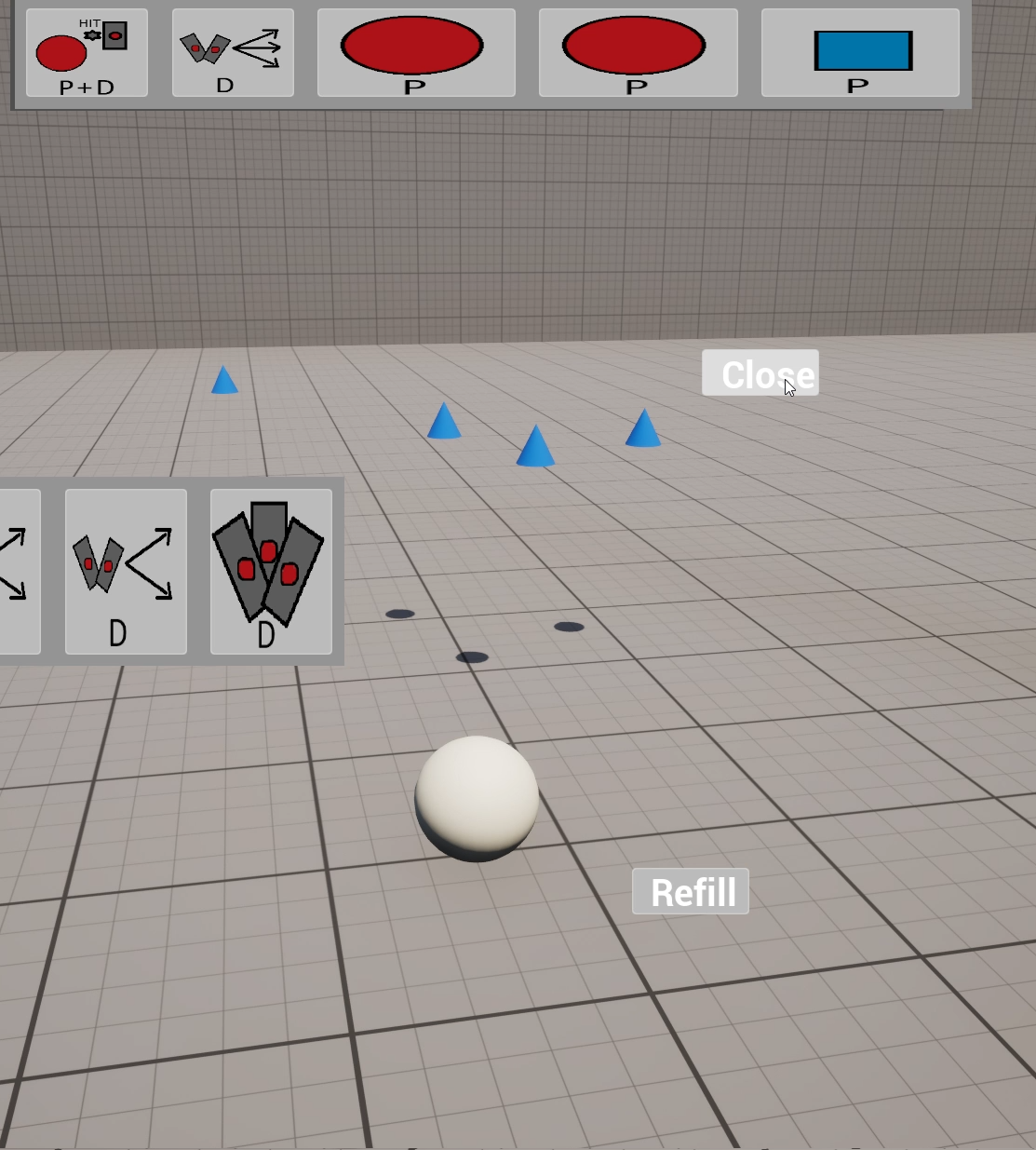
- The player has 2 rows of spells (projectiles, modifiers, multipliers): One row represents the inventory, and the other row represents the equipped spells. Clicking a spell in the inventory equips it.
- Spell_Projectile: Can be modified by Spell_Modifiers (e.g. higher projectile speed, larger projectile, etc.). A projectile that is fired with its own projectile speed and projectile damage. (Example: red sphere flies fast, deals little damage; blue cube flies slowly, deals a lot of damage).
- Spell_Modifier: Modifies the next Spell_Projectile or Spell_Multiplier in the equipped spell row after the modifier. For example, it applies faster projectile speed, larger projectiles, etc.
- Spell_Multiplier: This spell fires multiple projectiles at once, e.g. a Spell_Multiplier_2 fires the next 2 projectiles at the same time instead of one after the other. Spell_Multipliers can also be modified by Spell_Modifiers and pass the modifier on to all subsequent projectiles!
- As soon as the player fires, the next projectile to shoot is updated by reading the equipped spell row. After each shot, the next Spell_Projectile or Spell_Multiplier is fired until the row is exhausted and the cycle starts over.
Features
Projectiles
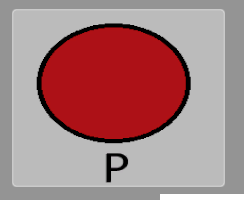
Spell_Projectile: Sphere
High projectile speed, low damage.
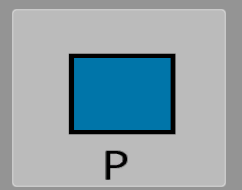
Spell_Projectile: Cube
Low projectile speed, high damage.
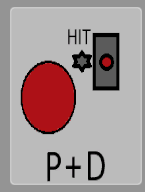
Spell_Projectile & Multiplier: Sphere (M)
This projectile has a built-in multiplier and fires the next projectile from its own position when it collides with something (enemy / wall).
Modifiers
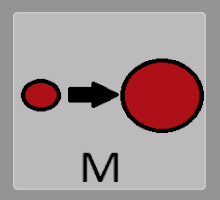
Spell_Modifier: Size
Increases the size of the next equipped projectile (or multiplier).
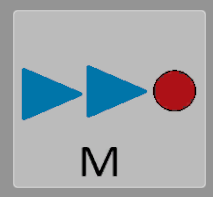
Spell_Modifier: Speed
Increases the projectile speed of the next equipped projectile (or multiplier).
Multipliers
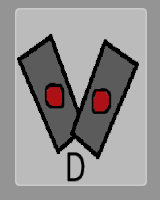
Spell_Multiplier: 2
Instead of one projectile, the next 2 projectiles are fired simultaneously.
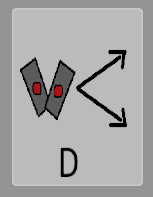
Spell_Multiplier: 2 (Split)
Instead of one projectile, the next 2 projectiles are fired simultaneously in a V formation.
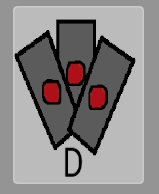
Spell_Multiplier: 3
Instead of one projectile, the next 3 projectiles are fired simultaneously.
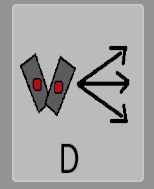
Spell_Multiplier: 3 (Split)
Instead of one projectile, the next 3 projectiles are fired simultaneously in a V formation (one projectile in the middle between the other two projectiles).
Setup Examples
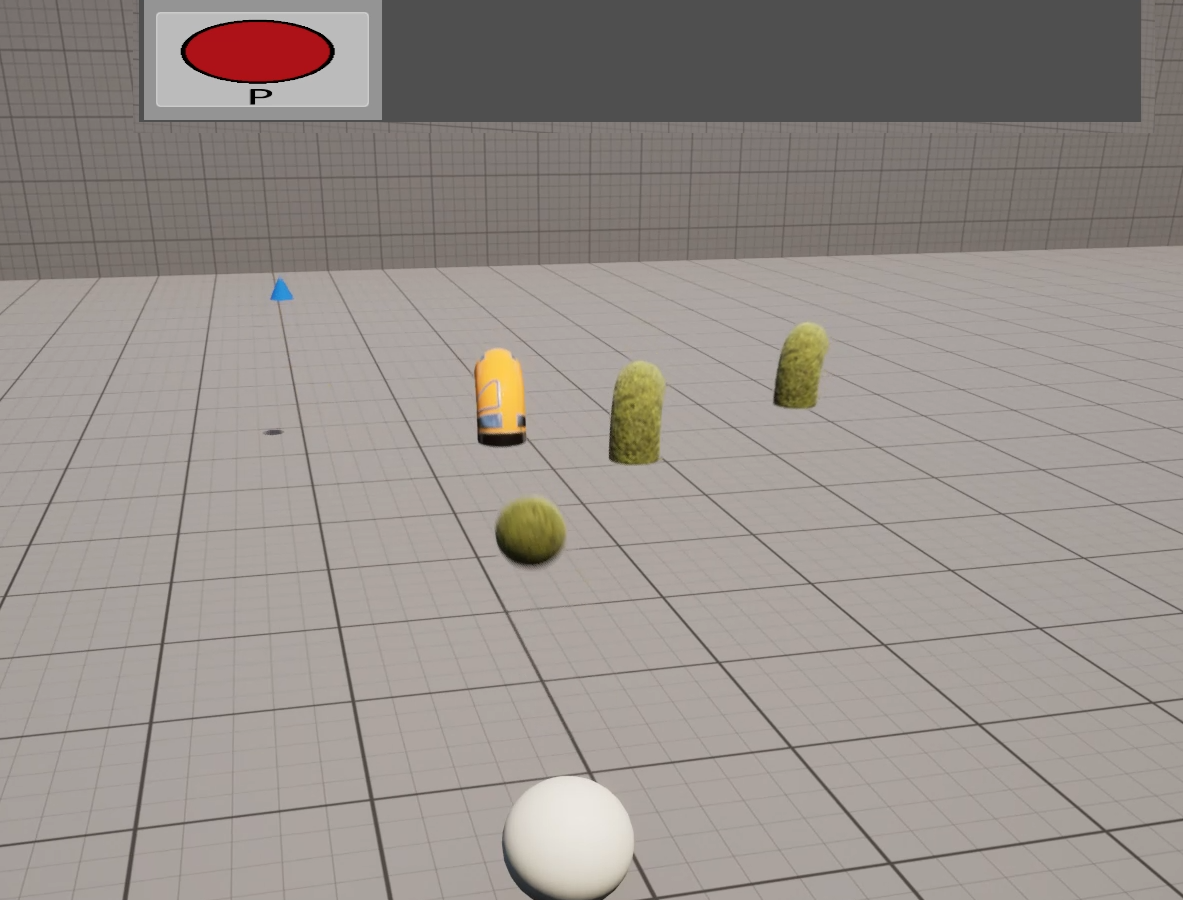
Only Spell_Projectile: Sphere
Fires a fast projectile with low damage.
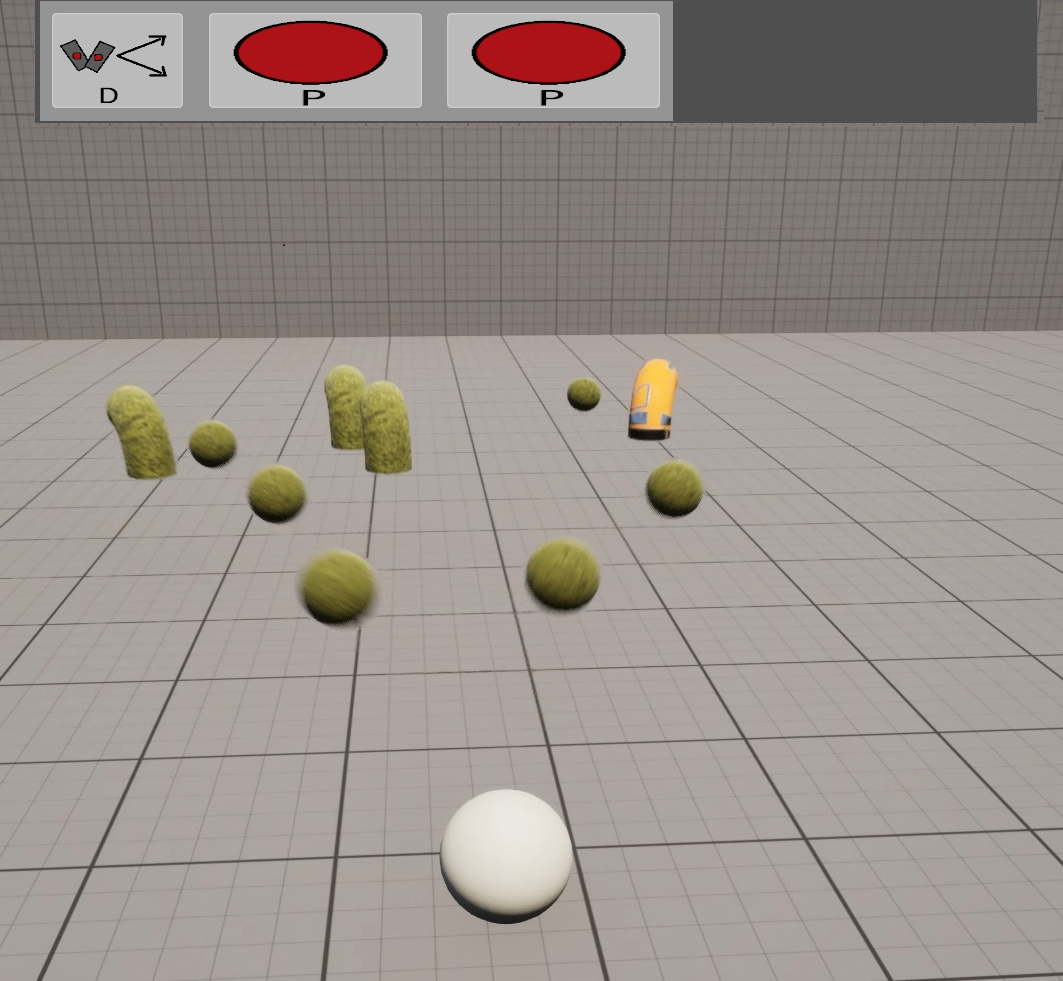
Spell_Multiplier: 2 (S) + 2x Spell_Projectile: Sphere
Fires 2 projectiles at the same time in a V formation.
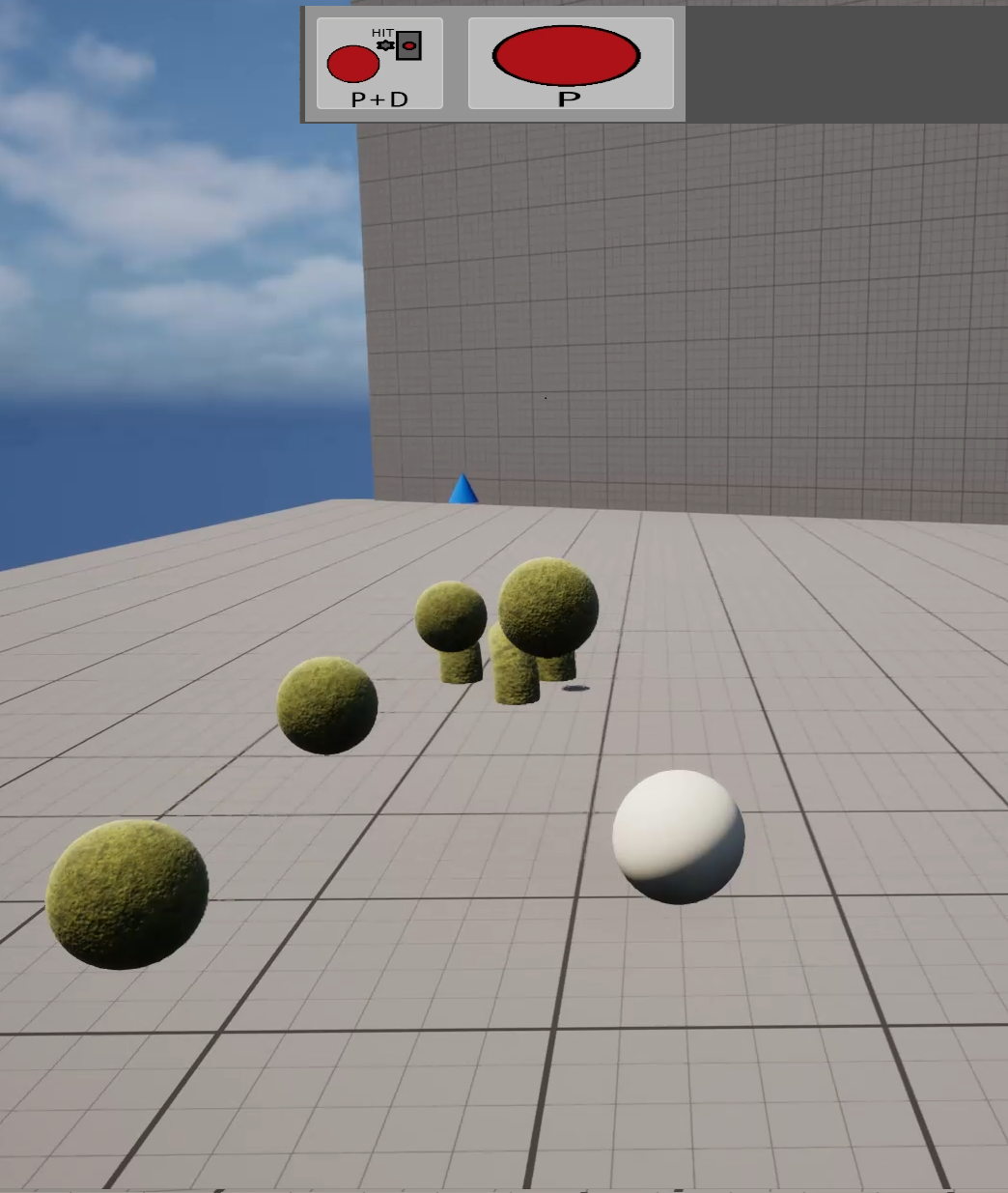
Spell_Projectile + Multiplier: Sphere (M) + Spell_Projectile: Sphere
Once the first projectile (Spell_Projectile + Multiplier: Sphere (M)) hits an enemy, it fires the next projectile (Spell_Projectile: Sphere) from its position.
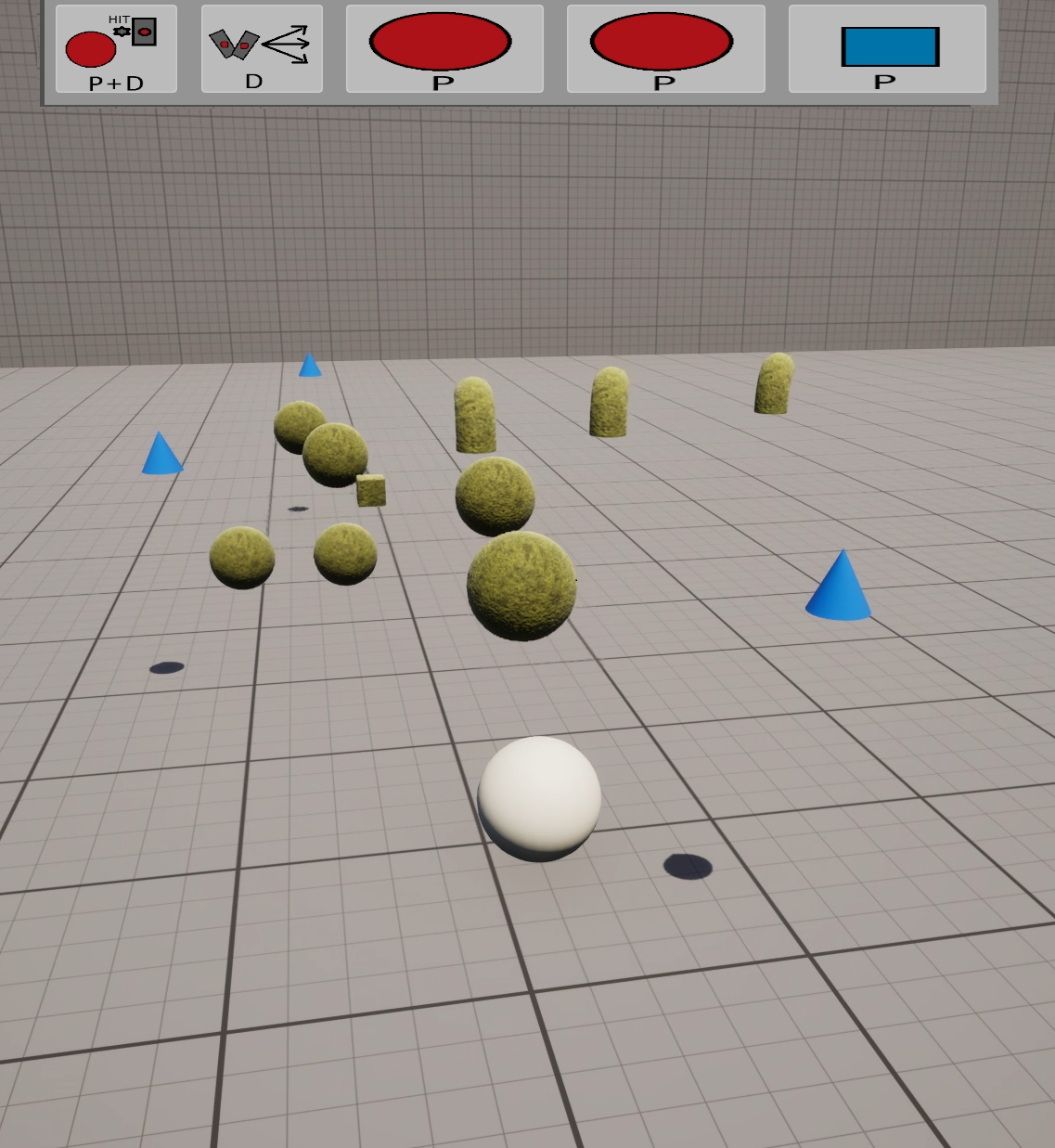
Spell_Projectile & Multiplier: Sphere (M) + Spell_Multiplier: 3 (Split) + 2x Spell_Projectile: Sphere + 1x Spell_Projectile: Cube
Once the first projectile (Spell_Projectile & Multiplier: Sphere (M)) hits an enemy, it fires the next 3 projectiles in split formation from its position.
Technical Details
- Engine: Unreal Engine
- Source Control: GitHub.
- Solo-Projekt
Challenge → Solution Approach
- Challenge: The biggest challenge was making sure
- → Solution: Instead of putting variables and functions on the player, I mostly used Data Assets, components, and interfaces. This allows me to transfer the complete system into new projects very easily, without having to change much except the shooting direction and creating the shoot input.
Learnings
- The "Data Asset" class can be used very dynamically.
- Placing functions in components makes it easy for me to transfer the desired logic to new objects.