

Short Description
Strongly inspired by “Ultimate Chicken Horse,” this prototype has each player trying to reach the level goal by adding new blocks to the level between rounds, creating new paths or sabotaging other players. The main focus of this project is learning how to create stable multiplayer systems.
Background
Many games I enjoy are especially good because they can be played in multiplayer. Inspired by games like “Ultimate Chicken Horse” and “R.V. There Yet?”, which are fun for exactly that reason, I decided to learn how multiplayer systems are set up in Unreal Engine 5. I assumed that a game like “Ultimate Chicken Horse” should be fairly easy to implement. Within just a few weeks of development, I was already able to achieve exciting results. The game loop (run round: each player gets 1 attempt to reach the goal -> then build round -> run round -> etc.) already works without issues. The online connection also already works. Players can join another player’s game via Steam.
Gameplay
- Run round: each player tries to reach the level goal. If a player reaches the goal, that player earns points. If a player is defeated (for example by falling into spikes), that player earns no points when the round ends. Once all players are at the goal or defeated, the run round ends and the round recap screen appears.
- Build round: each player must add a new block to the level in this round. At the moment, every player still has access to all currently available blocks, but this is planned to change soon. Once each player has placed their block, the next run round begins.
- The first player to reach X points wins the game. The required number of points is intended to be configurable before the game starts; the default number of rounds will probably be around 8. Point tracking and the limit are not implemented yet.
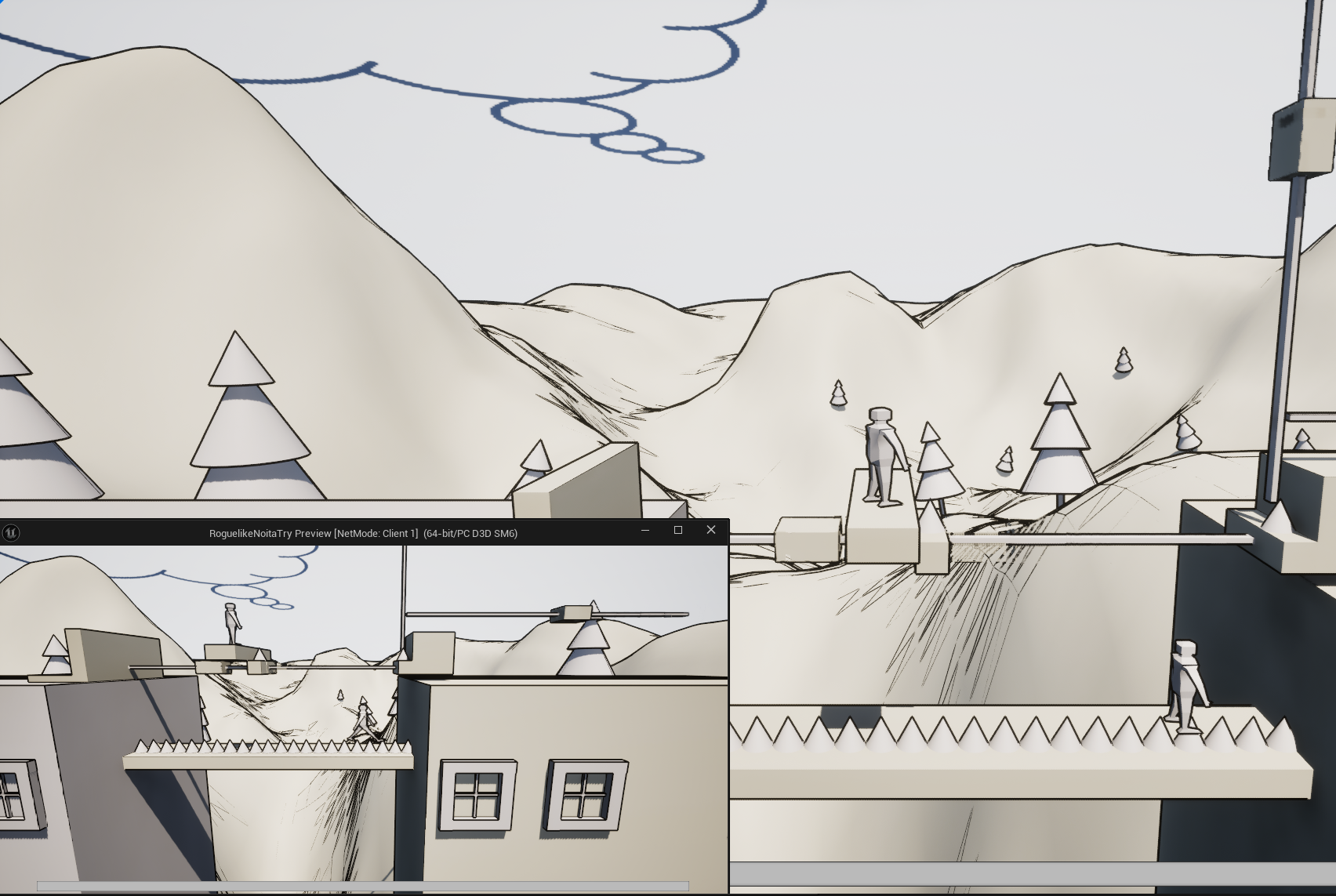
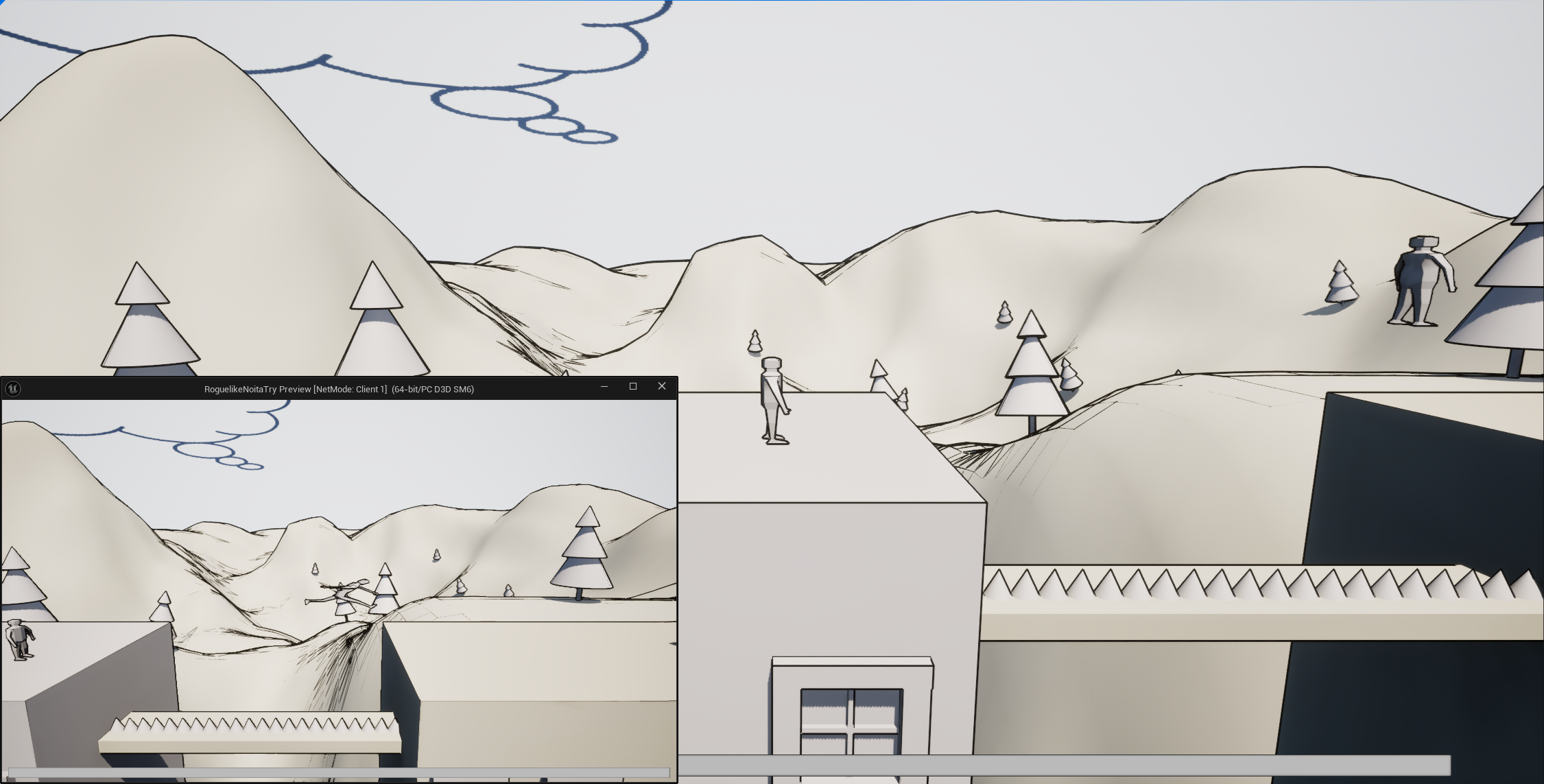
Run Round
Each player gets one attempt to reach the level goal!
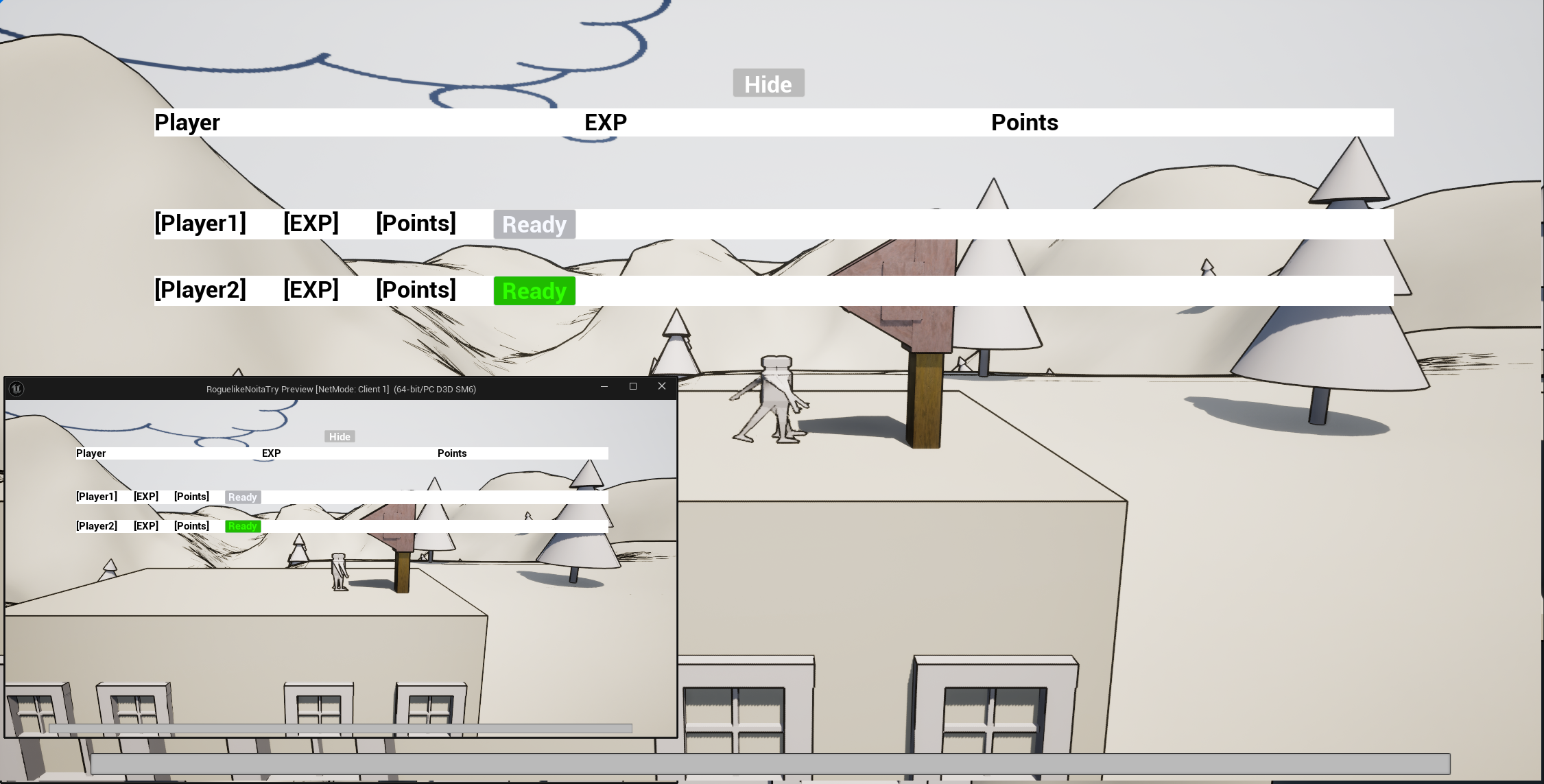
Runden-Rückblick Bildschirm
This screen shows the new score and how many points each player collected in this round. Every player must click “Ready” before the build round begins.
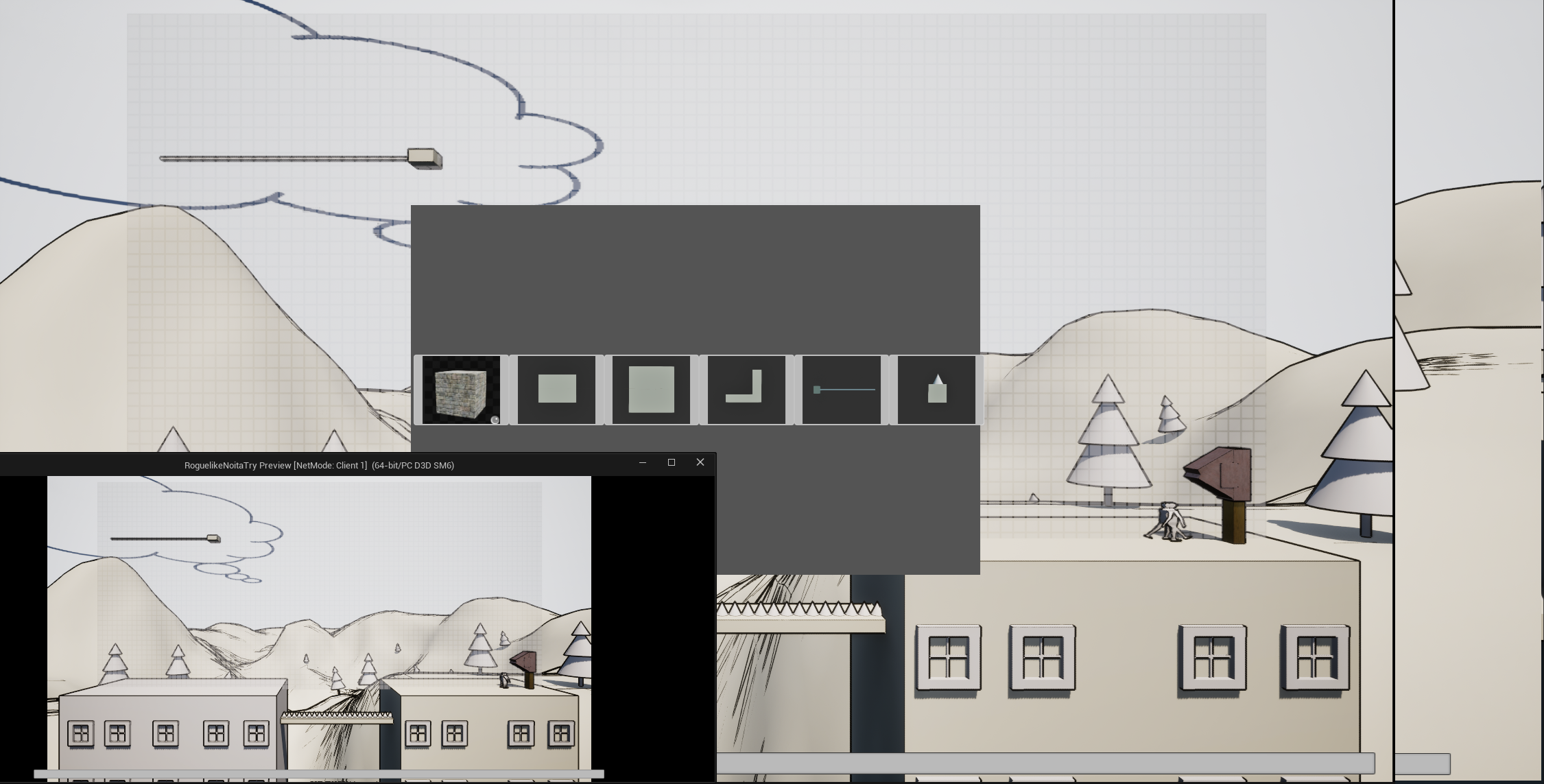
Build Round
Each player places a new block in the level! Once all players have placed their block, the next run round begins.
Beispiel: Level-Veränderung bei Runde 4
Here you can see the extent of the level changes by round 4. A simple level can turn into a very complex and difficult one!
- Development & Technology -
Technical Details
- Engine: Unreal Engine (Blueprints / Visual Scripting)
- Source control: GitHub.
- Development time: 3 weeks
- Solo Project
- Online connection service: Steam
Features
Implemented Blocks
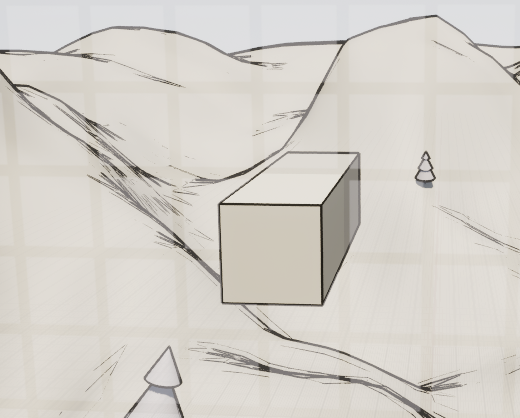
1x1 Block
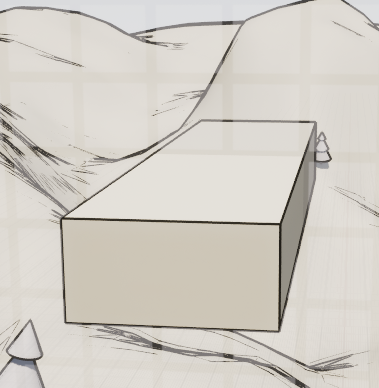
1x2 Block
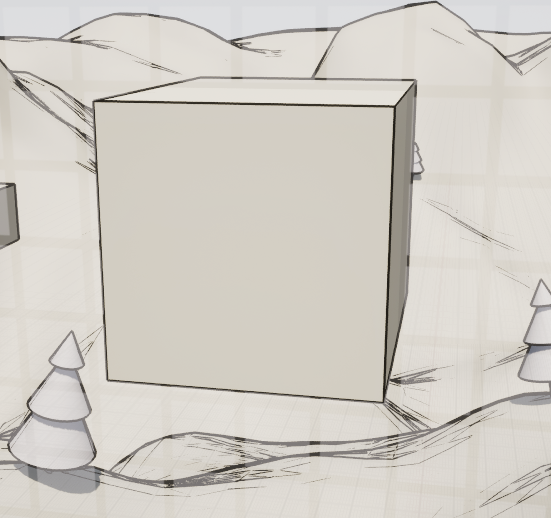
3x3 Block
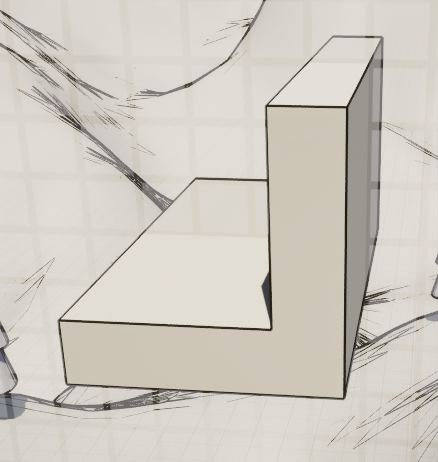
L Block
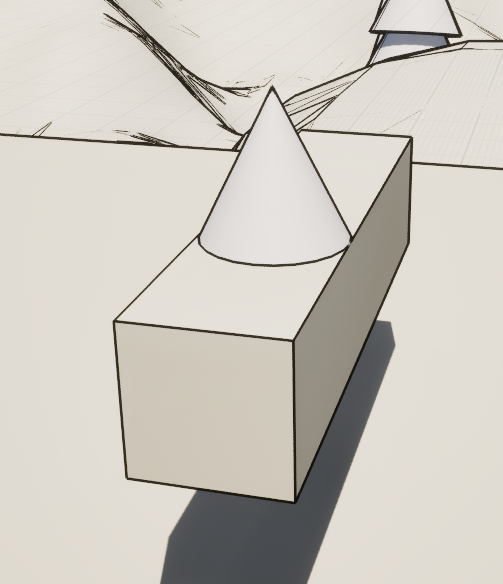
1x1 Block with Spike
If a player touches the spike on this block, they are defeated for the current run round!
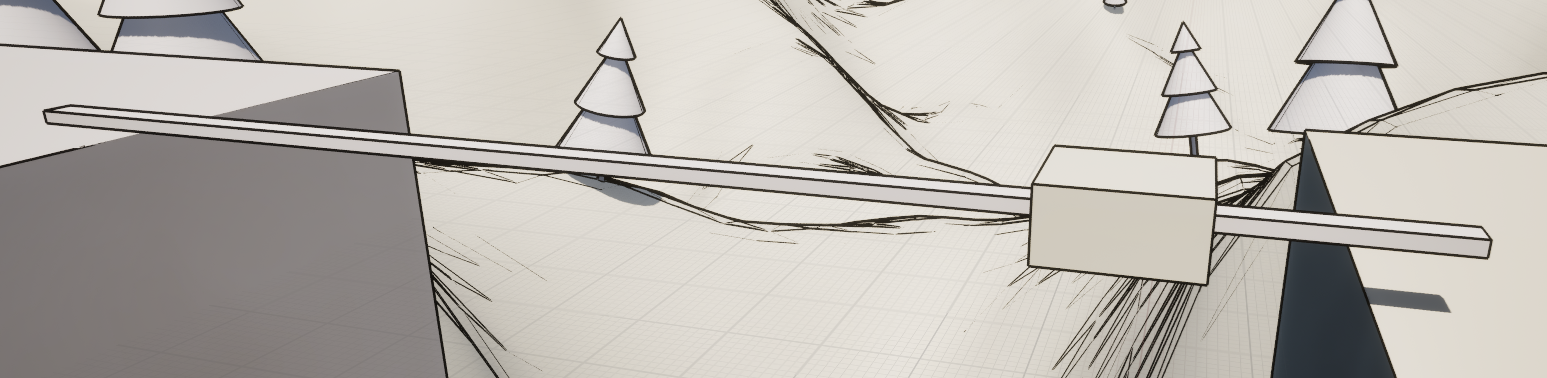
1x2 Moving Block
This block moves back and forth between the endpoints of the line.
Art
In my multiplayer prototype (“My First Online Multiplayer”), I used spheres as the player model for a very long time. That eventually bothered me, so I quickly animated my “Humanoid_Base” model and built it into the multiplayer prototype.
- Multiplayer Character -
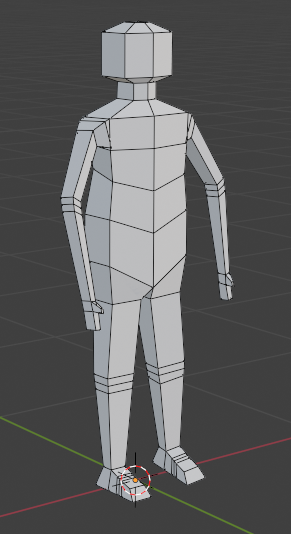
Animation: Idle
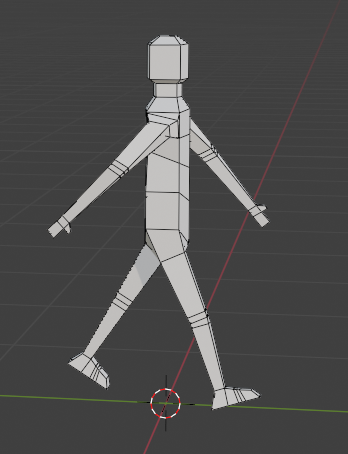
Animation: Walking
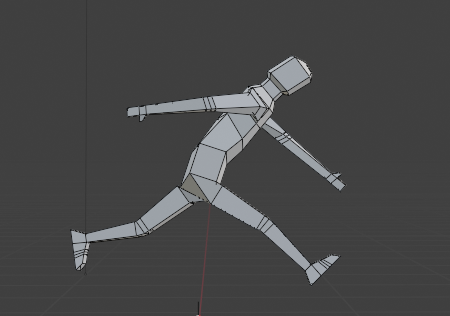
Animation: Sprinting
Challenge → Solution
- Challenge: No prior multiplayer programming experience.
- → Solution: YouTube tutorials (Steam setup: https://www.youtube.com/watch?v=5nMKEKV0acI&t=434s ; replication basics: https://www.youtube.com/watch?v=bBK8A-mFH-s&t=1589s)
Learnings
- Setting up an online connection through Steam was very easy for me.
- I understood the basics of replication (which functions must run on the server, which can run on the client, etc.).
- Programming a multiplayer game is a bit more demanding, but also much more fun. After a short time, this prototype already felt completely different from my other projects and gave me a lot of enjoyment.